Getting Started with EDExam
EDExams is a secure and fully managed online examination platform designed to support educational institutions, employers, and certification providers. Our system ensures assessment integrity, security, and efficiency, while providing a seamless experience for candidates, assessors, and administrators.
Staff run exams, manage students, and handle scheduling and invigilation from a single account, while each centre gets its own branded space.
Logging in
There are two ways to reach the platform, depending on who you are and where you're going.
Staff login
If you're a member of staff, log in through the shared hub:
http://edlounge.web.edexams.com/hub/login
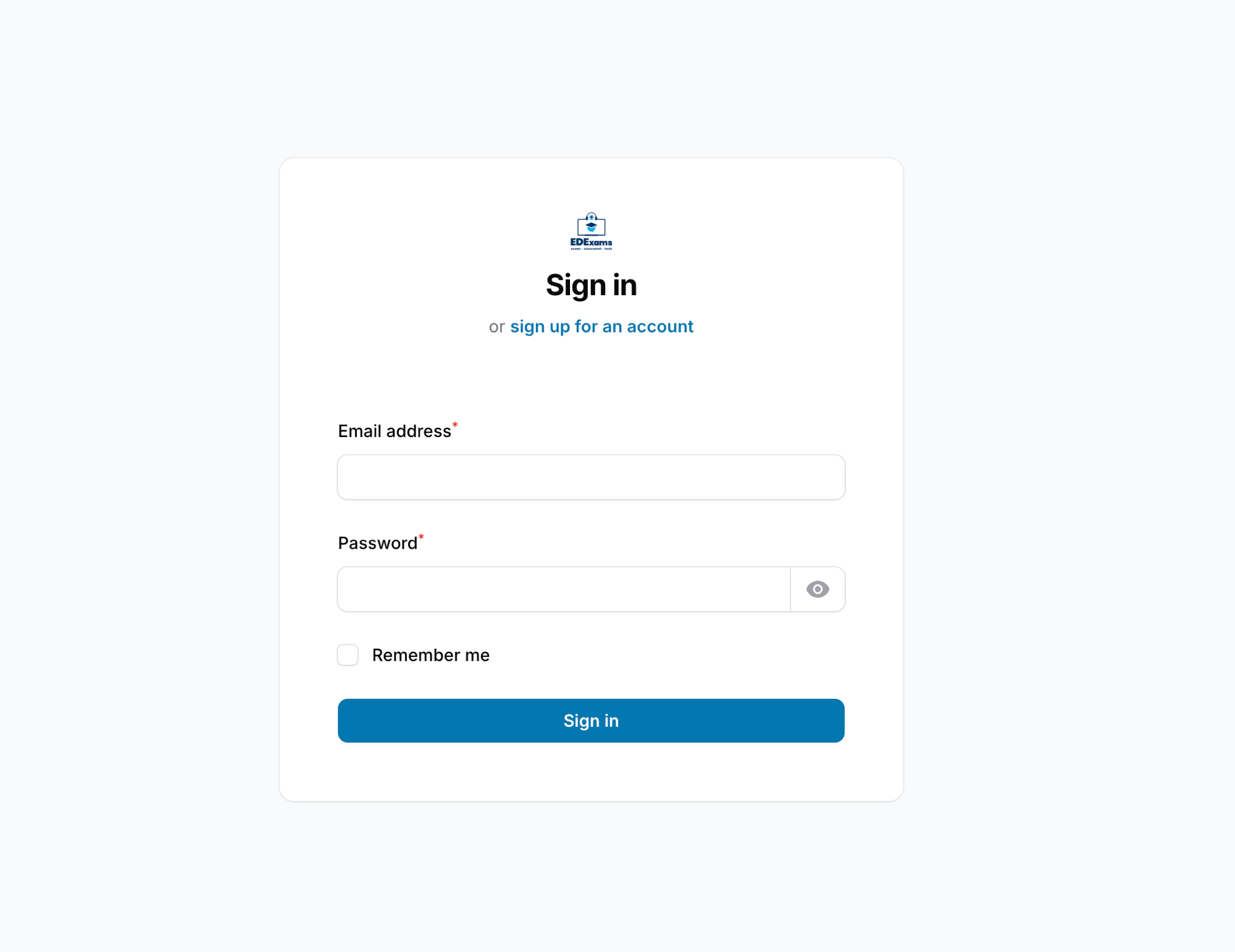
Enter your email address and password, then select Sign in. Tick Remember me to stay signed in on a trusted device.
Going to a specific centre
To work inside a particular centre, go straight to its subdomain:
https://{centre}.web.edexams.com
Replace {centre} with the centre's name, for example https://edlounge.web.edexams.com.
One account, many centres
Your staff credentials work across every centre, so you don't need a separate login for each one.
Access is the same everywhere, but what you're allowed to do depends on the role and permissions assigned to you in that centre. You might be an administrator in one centre and have read-only access in another.